Manage Surfaces
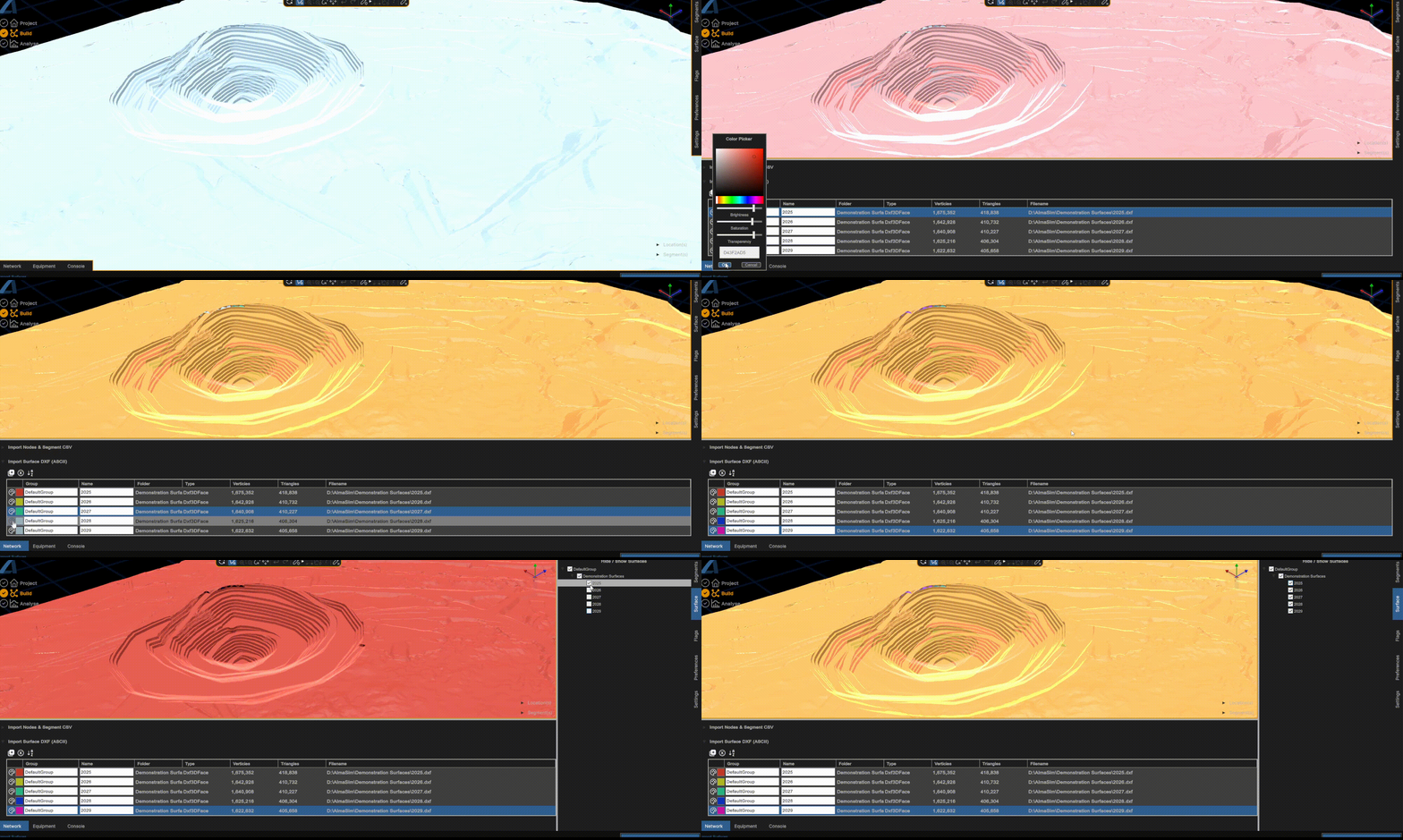
The below example shows modifying the colours of five seperate surfaces and toggling their visibilities.
Material Colour
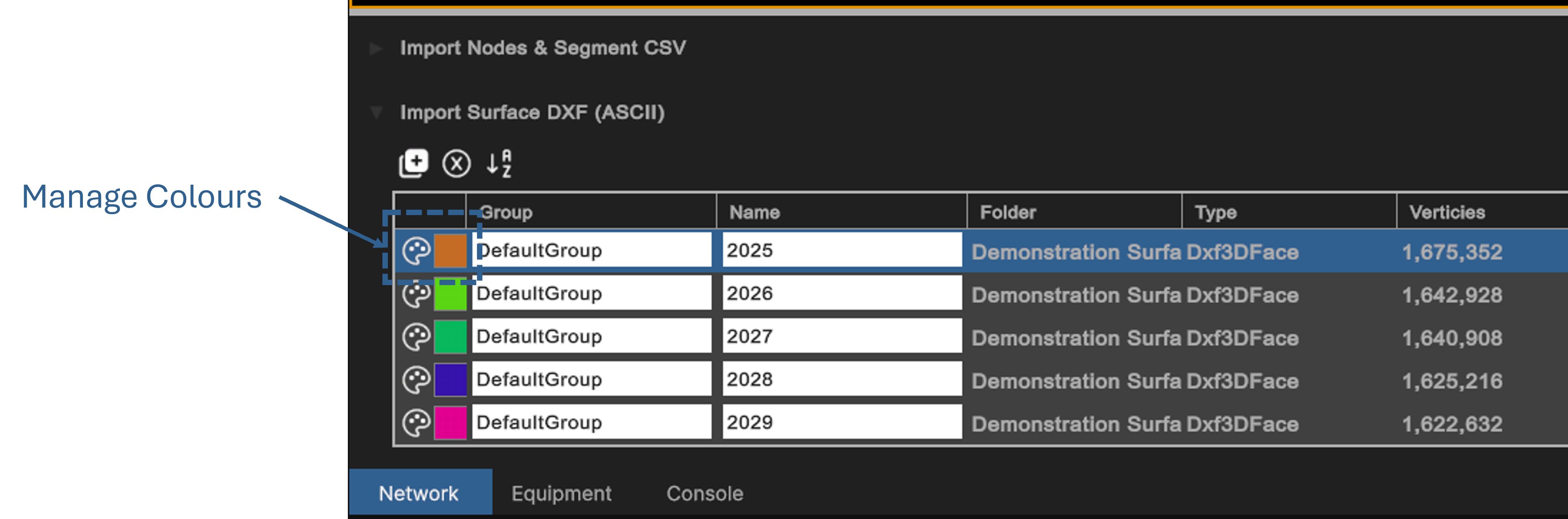
Surface colours can be customised the Build Mode > Network Module and pressing the Palette colour icon next to the desired `Surface' material.
Hide / Show
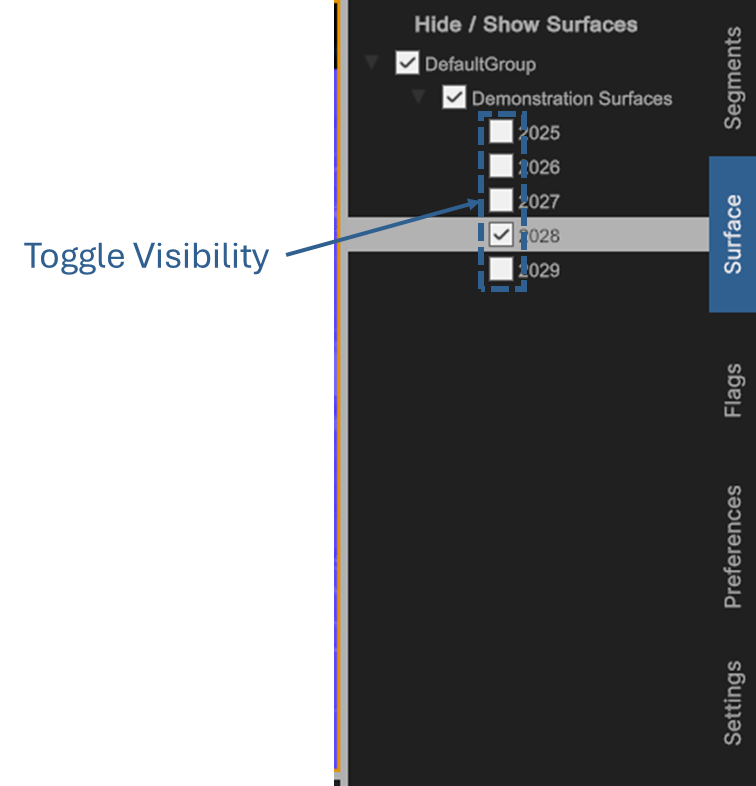
Surface visibility can be toggled in either Build or Analyse modes, from the Options panel (Right side) under Surface