Network Objects
Network objects are the inputs to the calculation engine which determines haulage performance. Segments and Nodes can be imported from other software packages provided the required columns can be mapped throug the CSV mapping wizard.
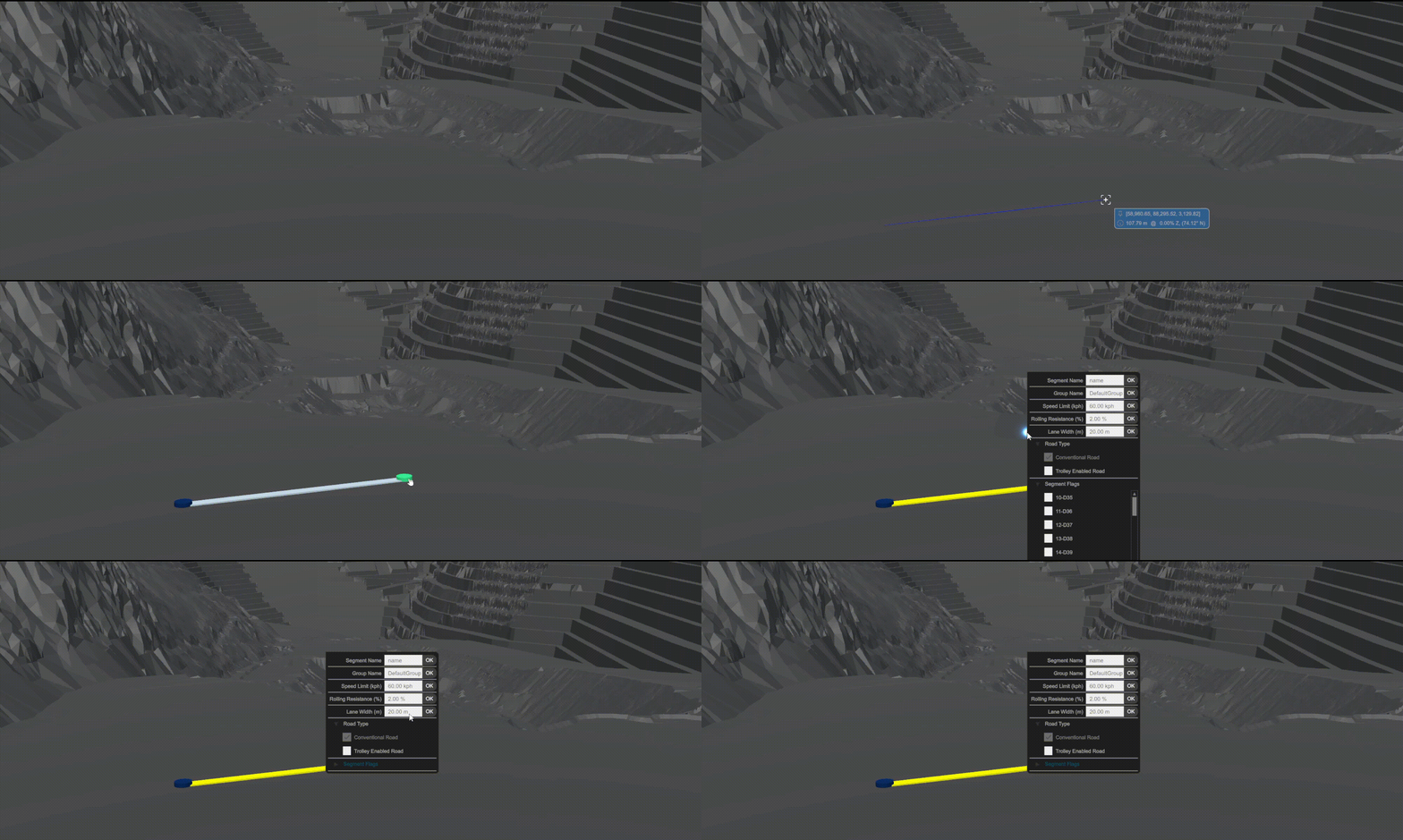
Segments
Segments are road paths defined by two points.
Nodes
A Node is a promoted point to represent a source or destination. These will either be Production nodes or Infrastructure nodes
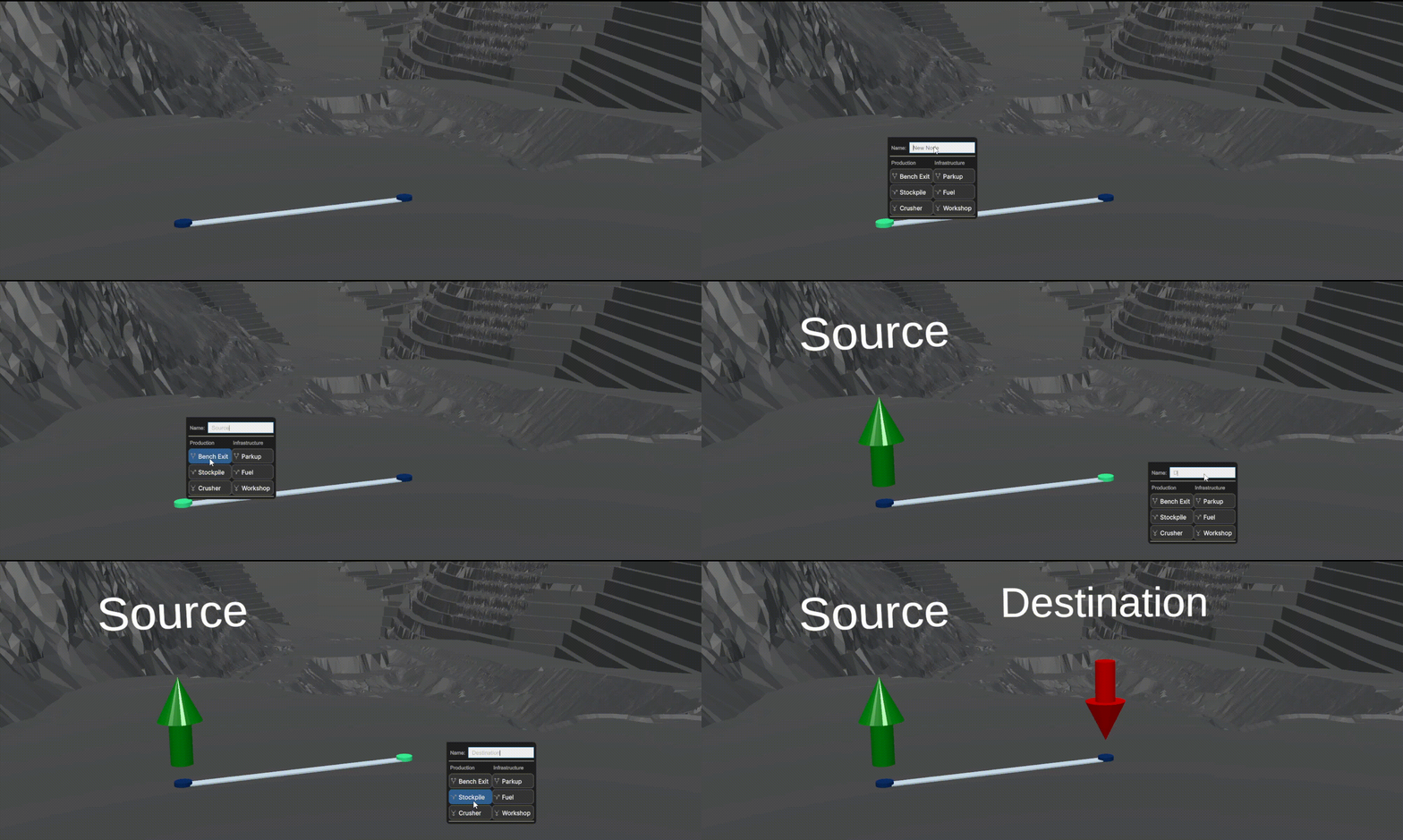
Production Nodes
Production nodes are Benches, Stockpiles, Crushers or Waste Dumps. These are the options for Sources (Bench, Stockpile) and Destinations (Stockpile, Crusher, Waste Dump).
Infrastructure Nodes
Infrastructure nodes are Workshops, Refuelling Bays or Parkup areas which are used primarily within the Discrete Event Simulator
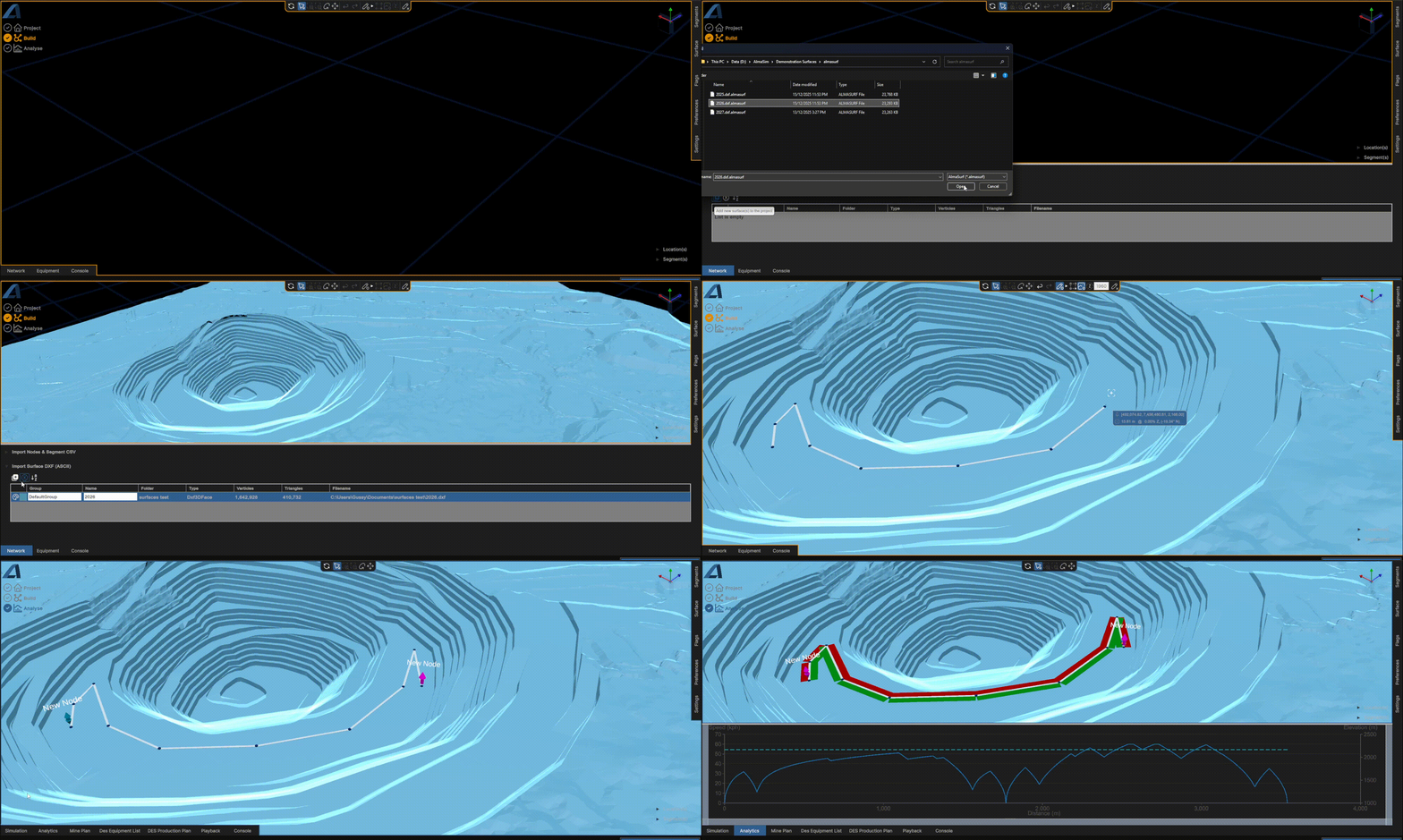
Surface Layers
Surfaces provide the ability to draw segments onto as well as the visual benefit given from the perspectives.
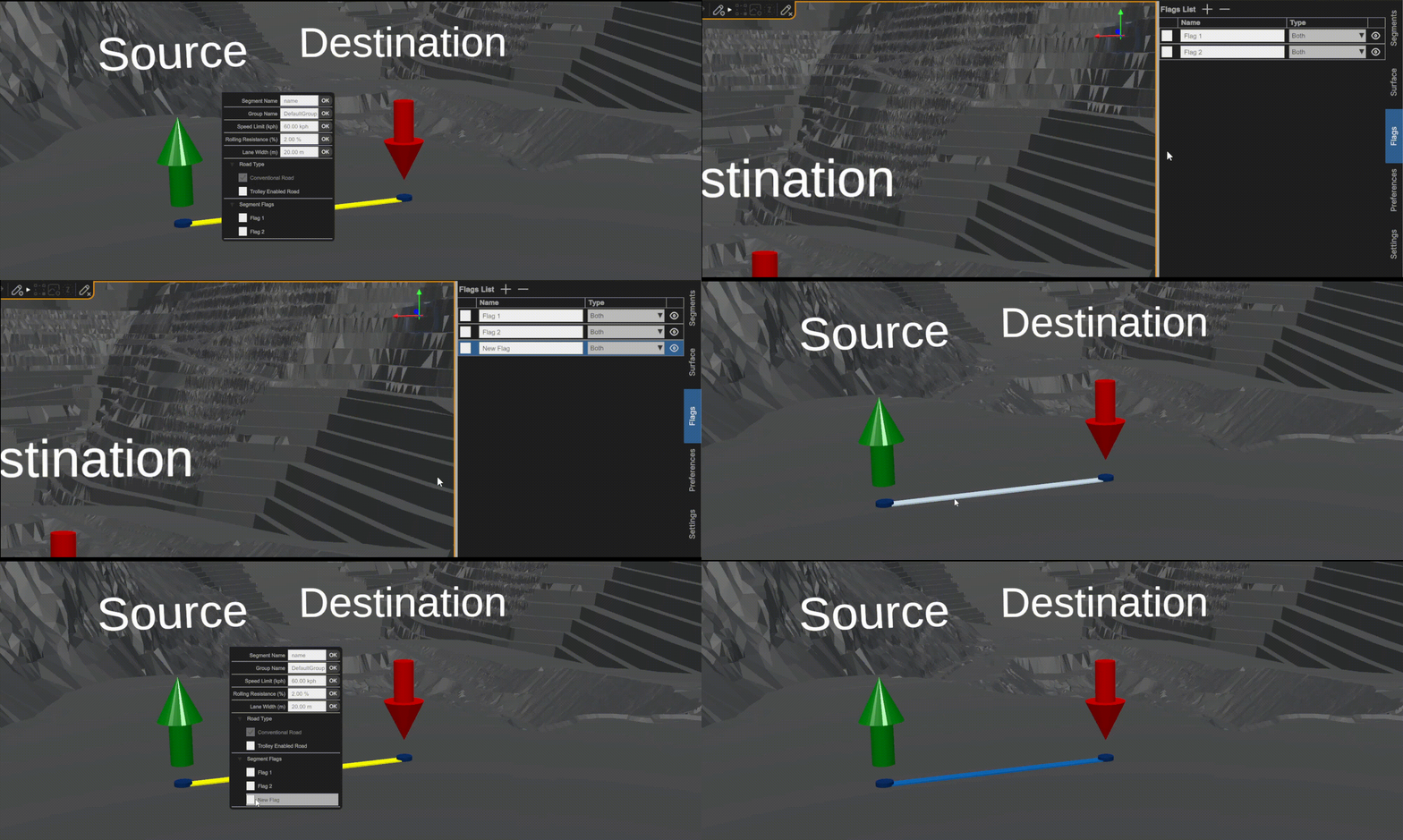
Scenario Flags
Scenario Flags provide the ability to restrict haul segments in particular scenarios. To create a new Flag or edit an existing Flag, open Flags from the Options panel (right side panel). A list of existing Flags will be displayed. These flags are available from the segment's context menu.