Installation Guide
AlmaSim can be downloaded here.
Download either the standalone AlmaSim installer or the AlmaHub to your computer and extract. AlmaHub is usually the preferred option as it allows immediate update and backwards compatabiity. AlmaHub requires elevated permissions since the invoked AlmaSim process have inheritted permissions.
Install Shield Wizard
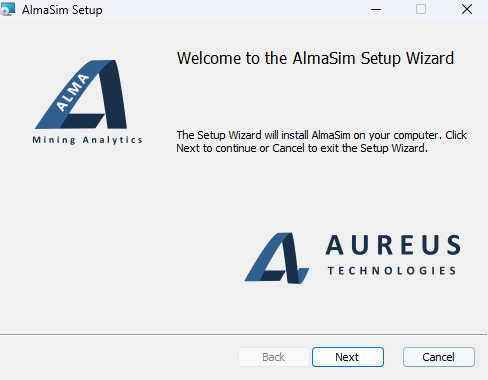
The following are the series of setup screens to install Alma Sim:
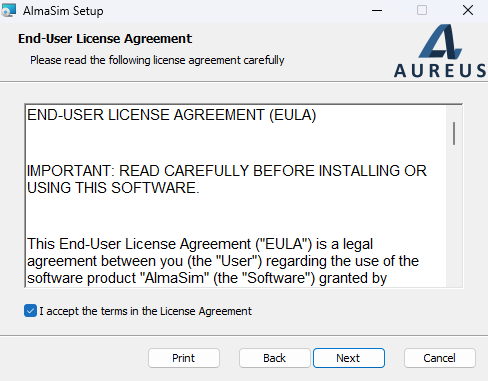
Accept the EULA to continue with the installation:
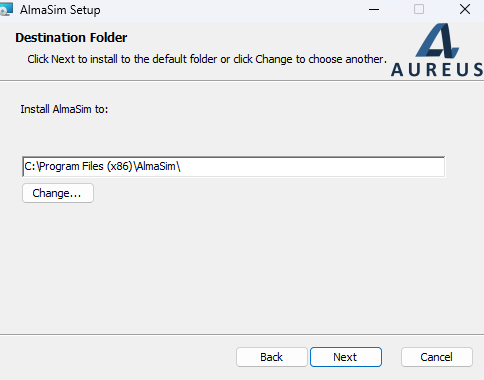
Choose the destination folder for the installation
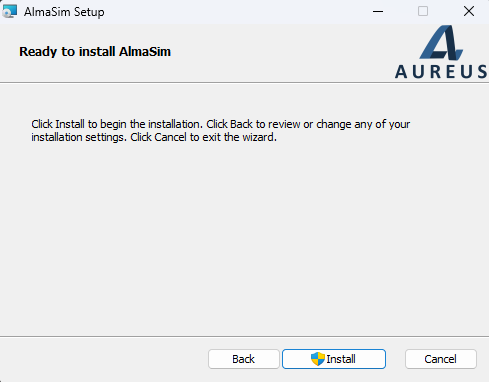
At this stage, a UAC may appear to prompt for permission to install.
This screen indicates a successfull installation.
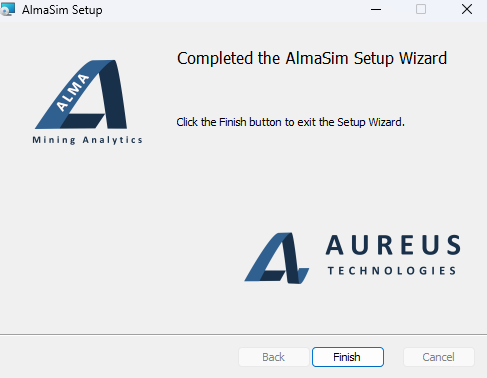
The shortcuts are on the Start Menu and Desktop.
Alma Hub
Alma Hub is the AlmaSim Launcher. When AlmaHub is running, the window will show a list of available AlmaSim versions and the status if those versions are currently installed or not. When AlmaHub
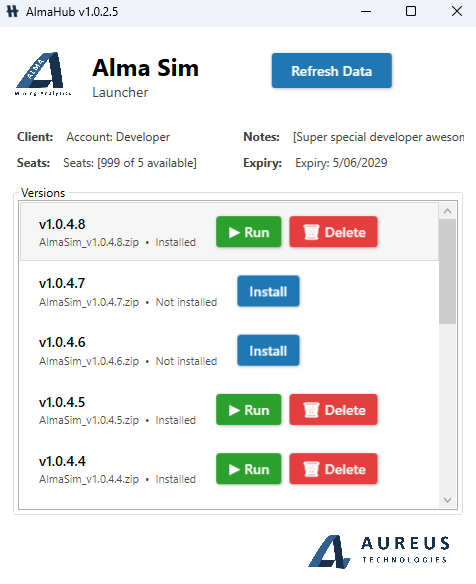
It is recommended to install and use the latest supported version which will be at the top of the list.
Locations
AlmaHub stores AlmaSim versions and persistent session resources in the LocalLow AppData folder ..<user>/AppData/LocalLow/AUREUSTech/AlmaSim
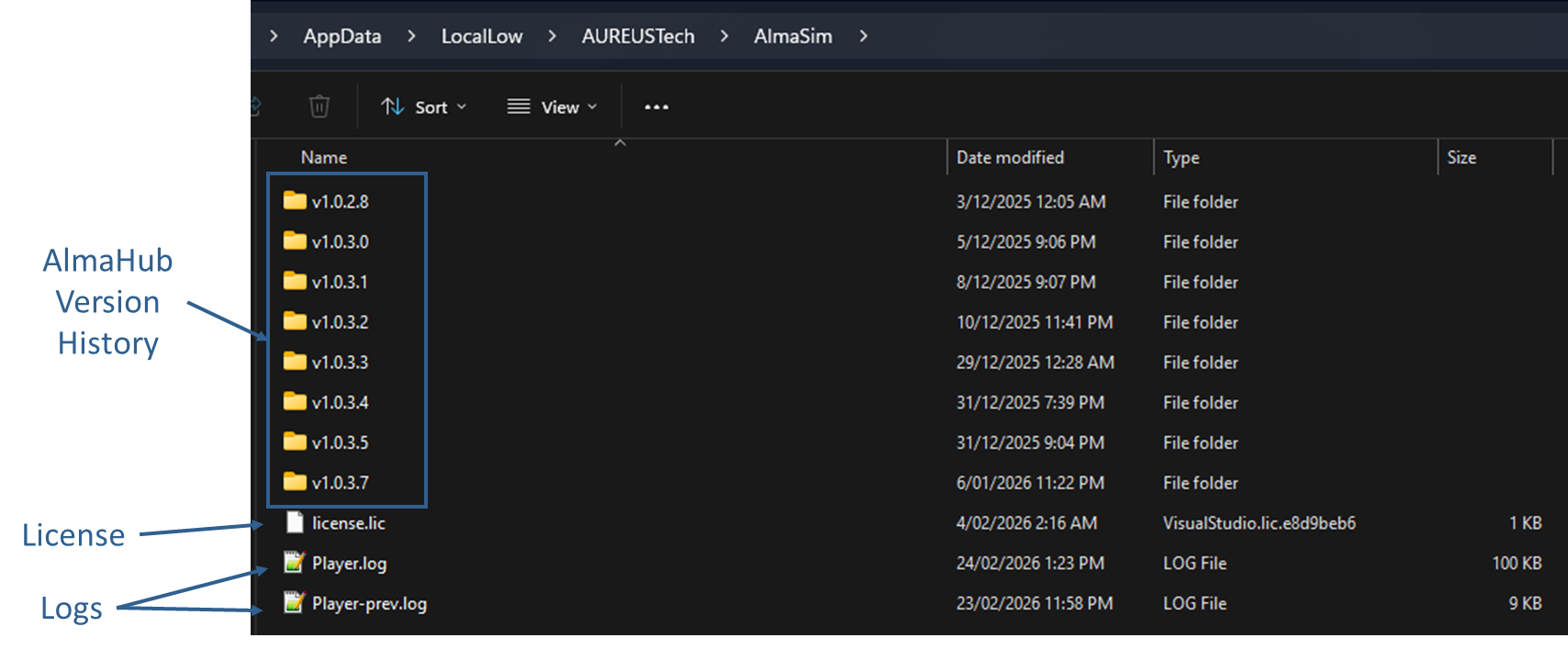
Folders (version history)
When using AlmaHub, AlmaSim versions are installed and launched directly from ths AppData repository.
License.lic file
This file holds a 128 bit hexadecimal code that is unique to each company license file.
*.log files
These are generated after each session and preserves various logs and debugging information. These two file are critical in identifying issues.