Import Nodes CSV files
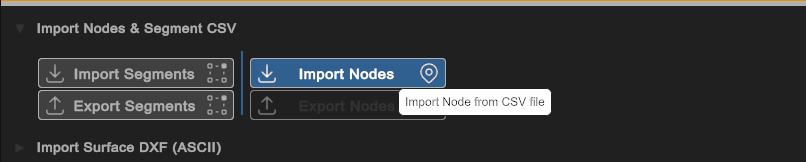
Selecting the Import Nodes button from the Build > Network module activates the Import CSV Wizard. Select the desired Node CSV file.
Column Mapping
After choosing the import file, the CSV Wizard will indicate the required input columns to be mapped.
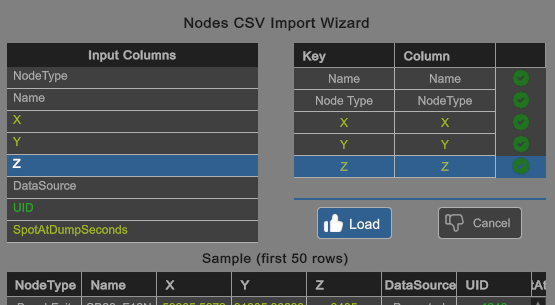
Selecting the Load button will start to read, process and convert the raw data into the Node type information.